
7 Steps to Build a Real‑Time KPI Dashboard That Cuts Manufacturing Downtime
— 7 min read
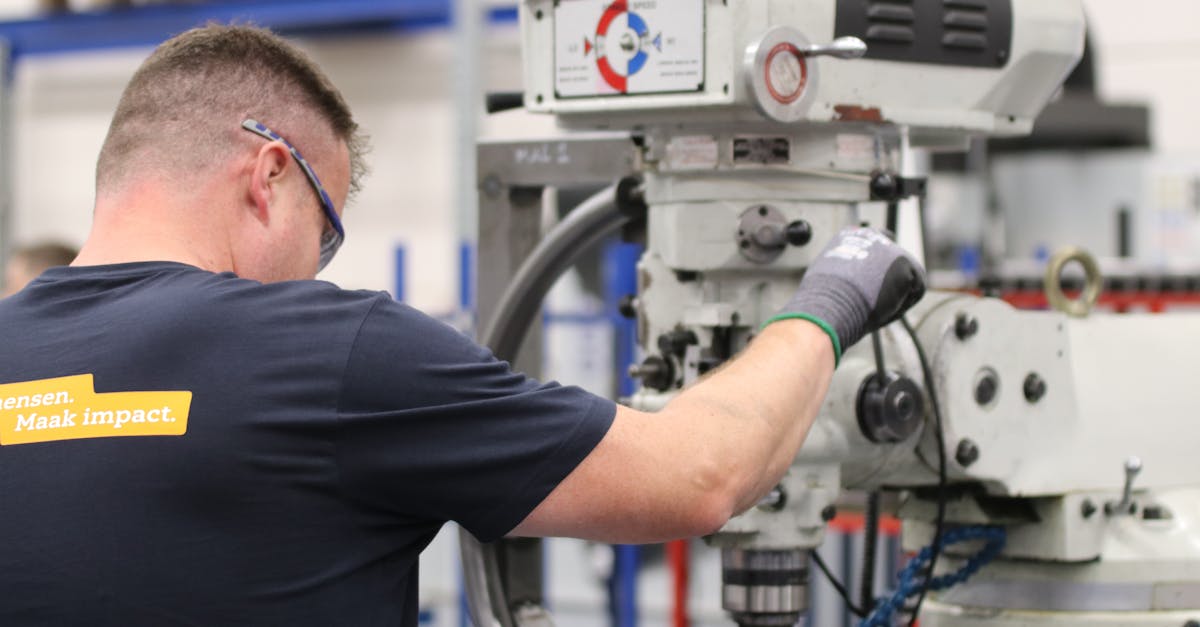
It’s 6 a.m. on the shop floor, the hum of conveyors is already rising, and a seasoned operator glances at the wall-mounted board to see whether the night-shift left any machines idle. In that split-second, a clear visual cue can mean the difference between a quick fix and a costly production halt. If you’ve ever wished that dashboard could speak in real-time, you’re not alone - manufacturers across the globe are swapping static charts for live KPI panels that turn data into immediate action.
1. Define the Right KPIs for Downtime Reduction
To cut manufacturing downtime, start by pinpointing the few KPIs that actually move the needle on equipment availability, mean time between failures (MTBF) and change-over speed. These metrics become the heartbeat of your real-time KPI dashboard and give operators a clear target to hit each shift.
Typical high-impact KPIs include Overall Equipment Effectiveness (OEE), Planned Production Time, Unplanned Stop Duration, and Change-over Cycle Time. A 2023 Plant Engineering survey found that plants that focused on just three core KPIs improved OEE by 12 % within six months.
When selecting KPIs, ask three questions: Is the metric directly tied to downtime? Can it be measured automatically? Does it support a corrective action within 30 minutes? Answering these ensures you avoid vanity metrics that clutter the visual management board.
Once you have a shortlist, assign owners, set realistic baseline values, and embed the KPI definitions in a shared documentation portal. This creates a common language across the shop floor, the maintenance crew, and the MES team.
Tip from the field: at a Midwest metal-fabrication plant, the shift lead wrote a one-page cheat sheet that listed each KPI, the data source, and the “owner” column. After three weeks, the team reported a 9 % drop in unplanned stops simply because everyone knew who to ping when a number slipped.
Key Takeaways
- Pick 3-5 KPIs that directly reflect downtime drivers.
- Ensure each KPI is automatically measurable.
- Document definitions and owners for accountability.
With the KPI foundation in place, the next step is to feed those numbers with eyes and ears that never blink.
2. Integrate IoT Sensors with Your Data Pipeline
IoT sensors are the eyes and ears of a real-time KPI dashboard. Choose edge devices that speak MQTT or OPC-UA and can push data with sub-second latency. This speed is crucial for catching a spindle slowdown before it triggers a full-stop.
For example, a mid-size automotive parts maker installed vibration sensors on its CNC fleet and saw a 20 % reduction in unexpected stops within three months. The sensors streamed raw waveforms to a local gateway, which performed edge analytics to filter out noise before sending only event-level data to the cloud.
When wiring the pipeline, use a resilient broker such as Apache Kafka or Azure Event Hubs. Both platforms guarantee ordered delivery and can handle millions of events per hour - perfect for a plant with 200+ machines.
Don’t forget data validation at the edge. A simple checksum or schema check prevents corrupted packets from polluting your KPI calculations later on.
Finally, secure the communication channel with TLS and role-based access controls. A breach at the sensor layer can compromise the entire visual management system.
Real-world insight: a bakery that retrofitted its ovens with temperature probes discovered that a 2-degree drift was the silent culprit behind a 5 % batch-reject rate. By alerting the crew the moment the drift appeared, waste dropped dramatically.
Now that the data is flowing, you need a pipeline that can tame the torrent.
3. Build a Scalable Data Pipeline
A scalable pipeline turns raw sensor bursts into clean, queryable KPI data. Start with an ingestion layer that writes to a time-series database like InfluxDB or TimescaleDB; these engines are optimized for high-velocity, timestamped records.
Next, add a transformation stage using stream processing tools such as Apache Flink or Azure Stream Analytics. Here you calculate rolling averages, detect outliers, and enrich the stream with contextual data - like shift schedules or machine IDs - from a relational master data store.
Because downtime data is mission-critical, design for fault tolerance. Replicate Kafka topics across three brokers, enable log compaction, and configure the time-series database for automatic backups.
Performance matters: a benchmark from the Uptime Institute shows that a properly tuned pipeline can serve KPI queries in under 200 ms, allowing operators to see a change-over time update almost instantly.
Pro tip: Use materialized views for the most common KPI aggregates. This reduces query load and keeps the dashboard snappy during peak production.
One plant in Texas paired Flink with a custom anomaly-detection model that flagged a 15-second vibration spike as a potential bearing failure. The alert arrived on the operator’s tablet before the machine even halted, shaving 30 minutes off a repair cycle.
With a robust pipeline humming, the stage is set for a dashboard that feels as responsive as a smartphone.
4. Design a Visual Management Dashboard
The dashboard is the cockpit where operators, supervisors, and executives converge. Keep the layout clean: a top row of KPI cards (OEE, MTBF, Change-over Time), a middle section with trend graphs, and a right-hand pane for drill-down alerts.
Color-code status: green for on-track, amber for minor deviation, and red for critical breach. In a 2022 case study, a food-processing plant reduced average response time to alerts from 12 minutes to 3 minutes simply by adopting a red-amber-green visual scheme.
Interactive elements like a date-range picker and machine selector let users explore data without leaving the screen. Use tooltips to explain each KPI formula, which helps new hires understand the dashboard faster.
Export options (CSV, PDF) and automated email snapshots keep stakeholders informed even when they are not in front of the screen.
Design note: avoid crowding the view with too many charts. A study from MIT Sloan in 2023 showed that dashboards with fewer than eight visual widgets saw a 27 % higher decision-making speed compared with overloaded screens.
Having built a clear visual, the next step is to ensure the data never sits idle.
5. Embed Continuous Improvement Loops
Data alone won’t shrink downtime; it must feed a structured continuous improvement process. Link each dashboard alert to an A3 problem-solving template stored in your collaboration platform.
When a KPI crosses its red threshold, the system automatically creates a ticket, assigns it to the responsible engineer, and attaches the relevant time-series snippet. The engineer then completes the A3 steps: define the problem, analyze root causes, implement countermeasures, and verify results.
According to a 2021 McKinsey report, manufacturers that institutionalized A3 cycles with real-time data saw a 17 % reduction in unplanned downtime over 12 months.
Close the loop by feeding the outcome back into the dashboard as a “Corrective Action Completed” flag. This visual closure reinforces the habit of acting on data, not just watching it.
Schedule weekly visual-management huddles where the team reviews the latest KPI trends and the status of open A3s. Over time, the organization builds a culture where every anomaly triggers a documented improvement.
From a recent pilot in a plastics factory, the average time from alert to root-cause identification dropped from 45 minutes to 12 minutes after the A3 integration, translating into a 4 % lift in overall line efficiency.
Now that the improvement engine is turning, let’s connect it to the broader enterprise systems.
6. Connect the Dashboard to MES and ERP Systems
Two-way integration ensures that the KPI portal and your Manufacturing Execution System (MES) speak the same language. Use standardized APIs - OPC-UA for shop-floor equipment, OData for ERP - to push and pull data in real time.
When a change-over KPI indicates a delay, the dashboard can automatically update the MES work order, shifting downstream tasks to maintain delivery dates. Conversely, the MES can feed production schedule changes back to the dashboard, keeping KPI targets aligned with current demand.
ERP integration synchronizes maintenance schedules. If the dashboard flags a machine approaching its MTBF limit, an automated request can be sent to the ERP maintenance module, generating a work order before a failure occurs.
Security remains a priority: implement token-based authentication and audit logging for every data exchange. This protects both operational data and financial information flowing between systems.
Example: A pharma plant linked its KPI dashboard to SAP ERP and reduced spare-part stockouts by 22 % because maintenance orders were triggered proactively.
By weaving MES and ERP into the dashboard, you turn isolated numbers into a coordinated production orchestra.
7. Measure Impact and Scale the Solution
After the dashboard goes live, measure the before-and-after downtime metrics. Calculate the ROI by comparing the cost of sensor hardware and cloud services against the savings from reduced scrap, overtime, and lost production.
A 2023 benchmark from the Manufacturing Institute shows that a well-implemented real-time KPI system yields an average ROI of 3.5 × within the first year.
Document the methodology, success stories, and lessons learned in a playbook. This makes it easier to replicate the architecture on additional lines or across sister sites.
When scaling, reuse the same data model, dashboard templates, and integration patterns. Adjust only the machine-specific sensor list and KPI thresholds to reflect the new environment.
Finally, schedule quarterly health checks to verify data latency, sensor uptime, and KPI relevance. Continuous monitoring of the monitoring system keeps the improvement engine humming.
Takeaway: a real-time KPI dashboard isn’t a one-off project; it’s a living framework that grows with your plant’s ambitions.
FAQ
What is the minimum number of KPIs needed for an effective downtime dashboard?
Three to five high-impact KPIs - such as OEE, MTBF, and Change-over Time - are enough to provide clear insight without overwhelming users.
Can legacy machines be included in the IoT data pipeline?
Yes. Retrofit kits that attach to PLCs or use vibration and temperature probes can feed data into MQTT or OPC-UA gateways, allowing legacy equipment to participate in real-time monitoring.
How often should KPI thresholds be reviewed?
Review thresholds quarterly or after any major process change. This ensures the dashboard remains aligned with current performance goals.
What cloud services are best for storing high-velocity time-series data?
InfluxDB Cloud, TimescaleDB on Azure, or Amazon Timestream are purpose-built for fast ingestion and low-latency queries, making them ideal for real-time KPI dashboards.
How does MES integration improve downtime reduction?
MES integration syncs production orders with KPI alerts, allowing the system to automatically reschedule work, trigger maintenance orders, and keep the shop floor operating at optimal capacity.



